How to Trim a Video Without Losing Quality
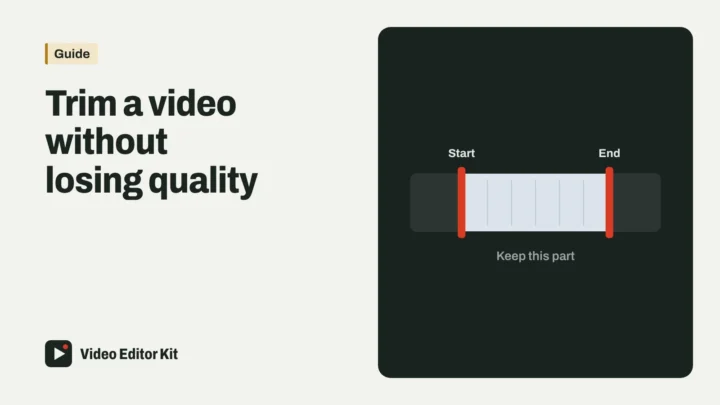
Cut the start, end or middle out of a video. When a cut is instant with no quality loss, why it can land early, and which tool fits the job.
Turn part of a video into a GIF in your browser. Why GIFs get so large, the three settings that control size, and when a short MP4 is the better choice.
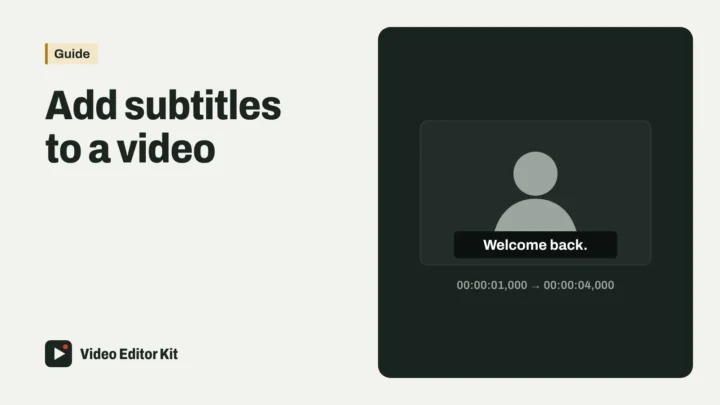
Add subtitles to a video in your browser. Burned in or soft subtitles, what SRT and VTT files look like, and how to fix timing that is off.
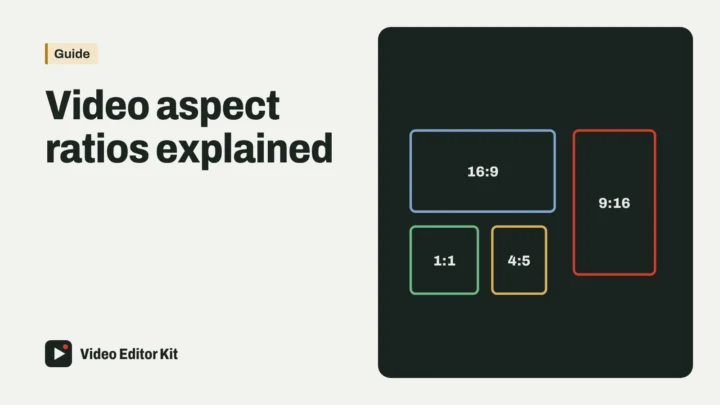
What aspect ratio means, the pixel sizes for YouTube, TikTok, Reels, Shorts and Instagram posts, and how to change the shape of a video without stretching it.
Email attachments stop at about 25 MB. Work out whether your video can be compressed to fit, how to hit an exact size, and what to do when it can't.
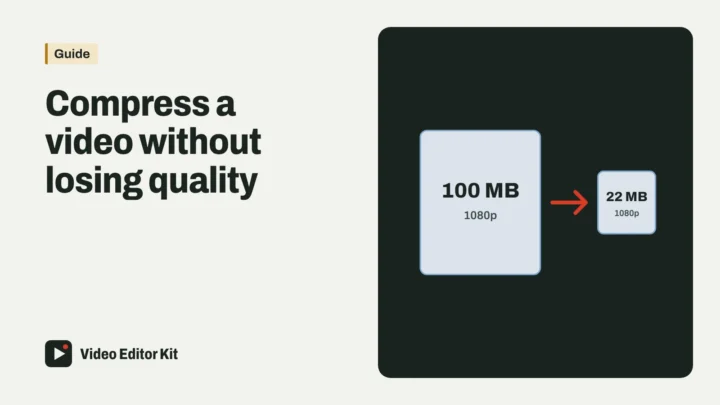
Make a video file smaller and keep it sharp. What controls file size, which settings to change first, and a step by step method in your browser.
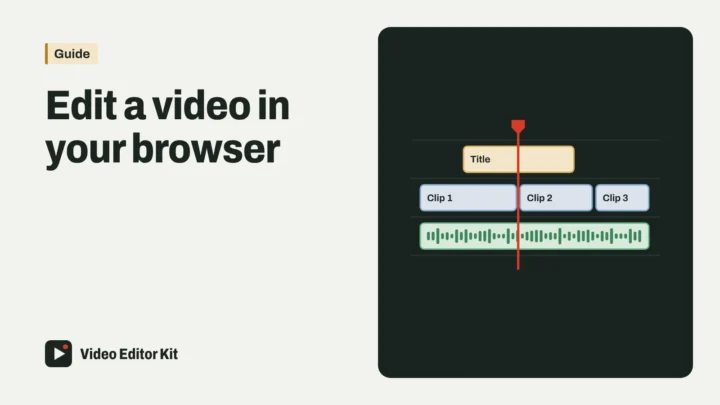
A plain walkthrough of editing a video in a browser tab, with no install and no upload. Import clips, cut them on a timeline, add text and music, then export.
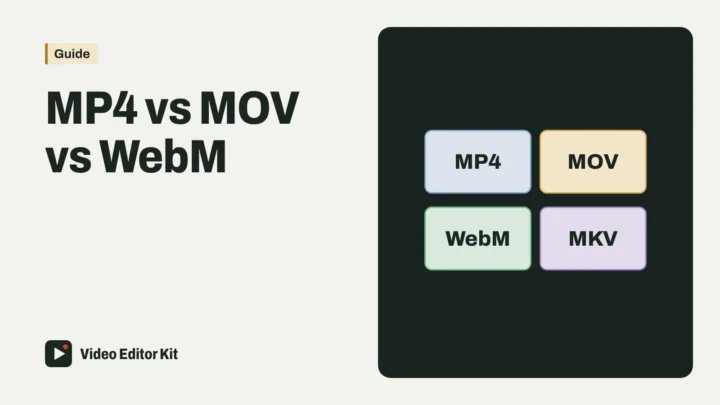
MP4, MOV, WebM, MKV and AVI in plain words. What a container and a codec are, which format plays where, and when converting loses no quality.