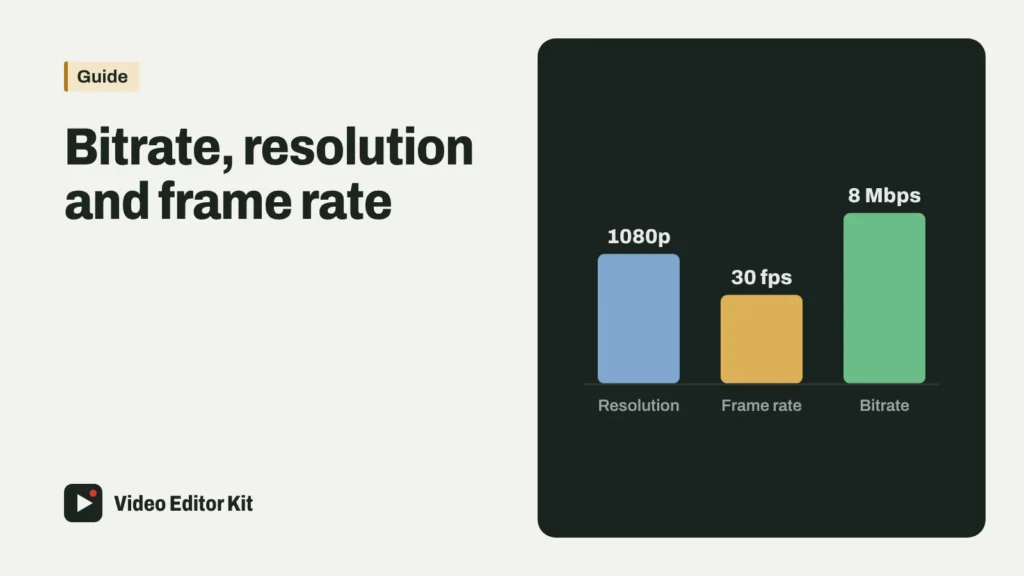
Every video file is described by three numbers. Resolution says how many pixels are in each frame. Frame rate says how many frames are shown each second. Bitrate says how much data is spent on each second. Understand these and most video settings screens stop being a puzzle.
Resolution
Resolution is the width and height of the picture in pixels.
| Name | Pixels | Common use |
|---|---|---|
| 480p | 854 × 480 | Small previews, weak connections |
| 720p (HD) | 1280 × 720 | Messaging, screen recordings |
| 1080p (Full HD) | 1920 × 1080 | The everyday standard |
| 1440p (2K) | 2560 × 1440 | Gaming video, large monitors |
| 2160p (4K) | 3840 × 2160 | TVs, footage you plan to crop |
Higher resolution means more detail, but only if the screen can show it. On a phone held at arm's length, 1080p and 4K are hard to tell apart. On a 55 inch TV, the difference is clear.
4K has a second use: it gives you room. You can crop a 4K frame to half its width and still have a sharp 1080p picture.
Frame rate
Frame rate is counted in frames per second, written fps.
- 24 fps is the cinema standard. Movement has a slight blur that people read as "film".
- 25 fps is used for TV in Europe and much of Asia. 30 fps is the TV standard in North America and Japan, and the usual rate for online video.
- 50 and 60 fps look very smooth. They suit sport, games and fast action, and they let you slow footage to half speed without it stuttering.
A higher frame rate is not better for everything. A calm interview at 60 fps can look oddly sharp, like a soap opera. Match the rate to the content.
Keep one rate through a project. Mixing 25 and 30 fps clips makes movement judder, because frames have to be dropped or repeated to fit.
Bitrate
Bitrate is how much data the video uses per second, measured in megabits per second (Mbps). It is the number that decides file size, and it is the one that decides quality once resolution and frame rate are fixed.
File size is simple to work out: bitrate in Mbps, times length in seconds, divided by 8, gives megabytes. Ten minutes at 8 Mbps is 600 MB.
Too little bitrate and the picture breaks into blocks, mostly in dark areas and fast movement. Too much and the file is large for no visible gain.
How the three work together
Bitrate is a budget shared by all the pixels in all the frames. Raise the resolution or the frame rate without raising the bitrate, and each pixel gets less. That is why a 4K video at a low bitrate can look worse than a 1080p video at the same bitrate.
It also explains the best trick in compression: when you must make a file small, lower the resolution along with the bitrate. A clean 720p picture beats a blocky 1080p one.
Sensible bitrates
For uploads, YouTube's own guidance suggests about 8 Mbps for 1080p at 30 fps, 12 Mbps for 1080p at 60 fps, and 5 Mbps for 720p at 30 fps. Those are generous numbers meant for a file that will be compressed again by the site.
For a file people will watch directly, such as one sent in a message, half of those values still looks good with a modern encoder.
Content matters as much as the numbers. A slideshow needs very little. A handheld shot of waves or a crowd needs a lot.
Check and change these numbers
To see what a file has, open it in the Video Info Viewer. It lists the resolution, frame rate, bitrate and codec.
To change them:
- Video Compressor lowers bitrate, and can lower resolution and frame rate at the same time.
- Resize Video changes the resolution or shape.
- Change Video Frame Rate changes fps alone.
All three run on your device without uploading the file.
Common questions
Does a higher bitrate always look better?
Up to a point. Past the level where the damage becomes invisible, extra bitrate only makes the file bigger.
Can I turn 30 fps into 60 fps?
You can, but the tool has to repeat frames, so it won't look smoother. Real 60 fps has to be filmed at 60.
Why does the same setting give different file sizes?
A quality setting keeps the look steady and lets the bitrate move. Busy footage needs more data than calm footage to look the same.